Internet Health Check Help Center
Free diagnostics first. Pro for evidence, automation, and long-term insight.
Pro guide
Gaming and streaming lag
Measure the spikes a single speed result cannot explain.
How to use it
- 1Check baseline latency before a game or stream.
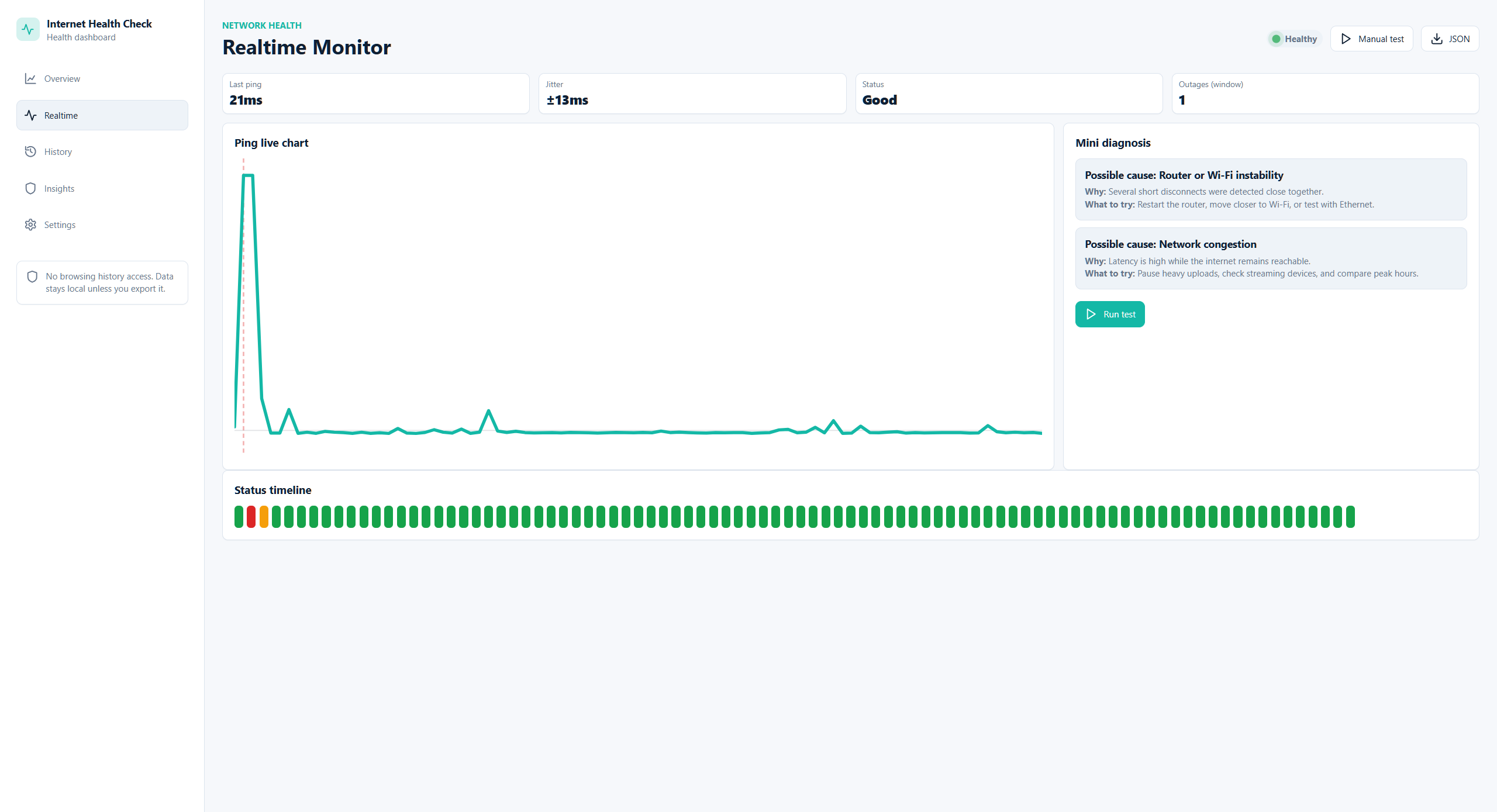
- 2Use Realtime during the problem to spot spikes.
- 3With Pro, start a gaming or call session for jitter and packet-loss evidence.
Next guide
Need a deeper answer?
Use Help Center menu to explore related situations, or review common problems.