Internet Health Check Help Center
Free diagnostics first. Pro for evidence, automation, and long-term insight.
Free guide
Open popup and run first check
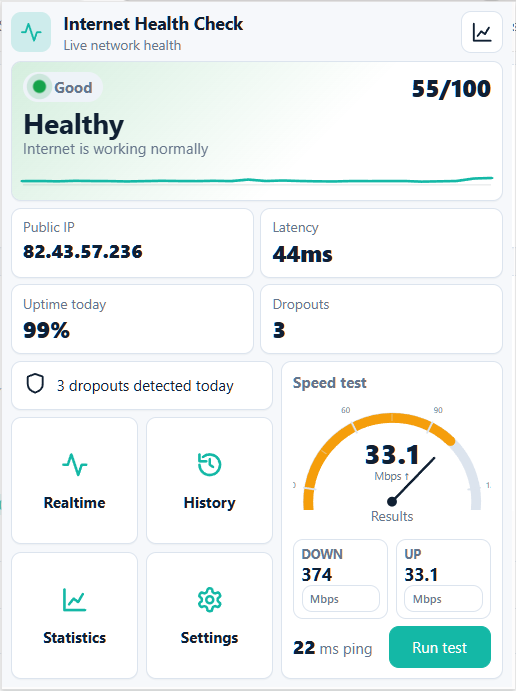
Start with live status, latency, dropouts, and a Speed test.
How to use it
- 1Click Internet Health Check icon in browser toolbar.
- 2Wait for Checking to change, then read status and latency.
- 3Press Run test for Download, Upload, and Ping.
Next guide
Need a deeper answer?
Use Help Center menu to explore related situations, or review common problems.